▣
Maze Games
Steer a character through twists and traps to the exit.
Create it. Code it. Play it.
Kids explore how games are made using
 and other kid-friendly digital tools — building creativity, logic, problem-solving,
and real digital skills along the way.
and other kid-friendly digital tools — building creativity, logic, problem-solving,
and real digital skills along the way.
 Coming to Minds At Play after summer, when the new school year begins.

Kids already love playing games. In Game Design Studio, they find out what happens behind the screen — and make it happen themselves. They create their own characters and backgrounds, add movement and sounds, invent challenges, keep score, and decide the rules of their own game worlds.
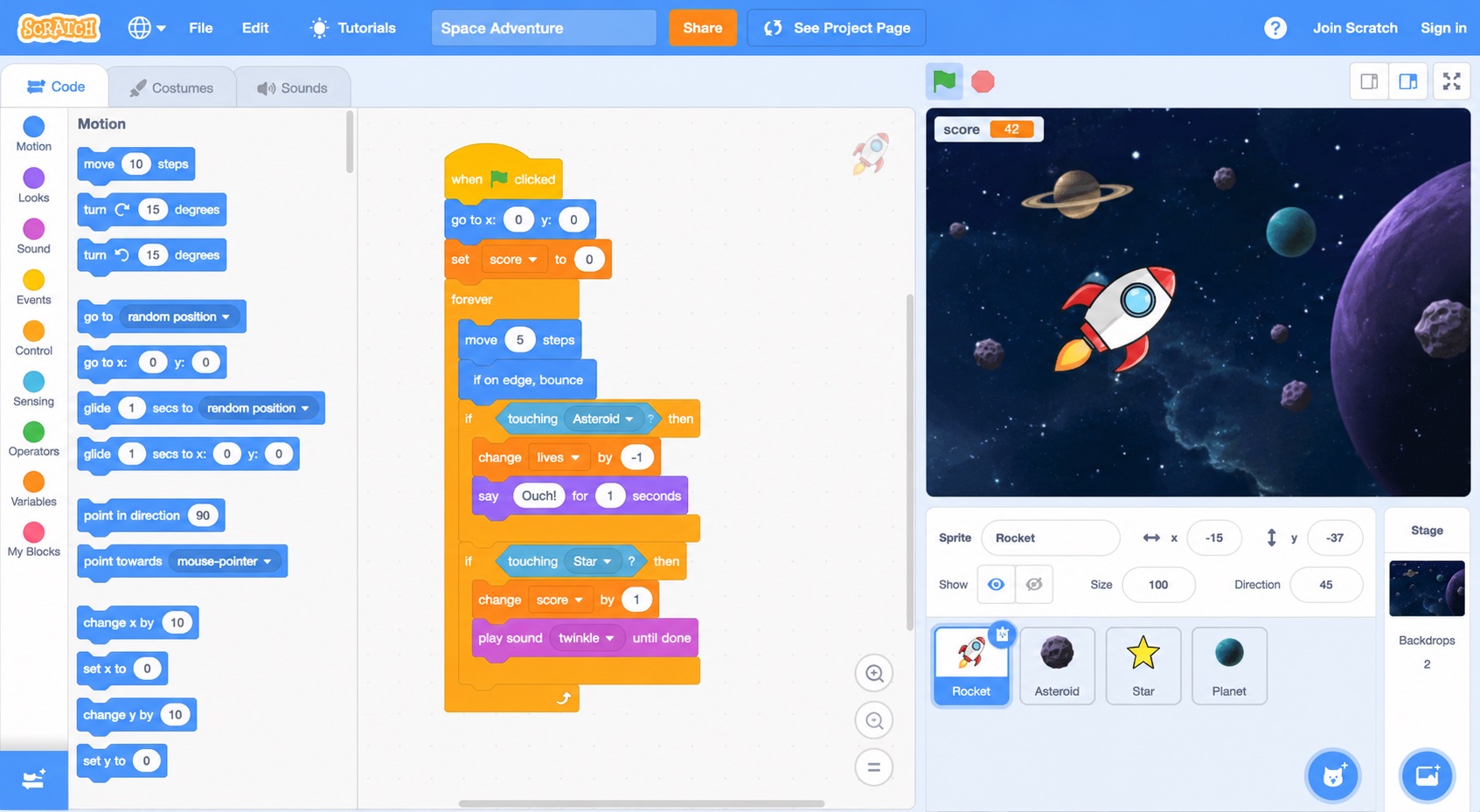
No typing, no syntax errors. In
,
code is colorful blocks that snap together like building bricks — so kids think
about ideas, not spelling.
A tiny game, running on three blocks. Watch each block light up as it makes something happen on the stage.
Steer a character through twists and traps to the exit.
Things fall from the sky — catch the good ones, dodge the rest.
Something is after you. Outrun it, outsmart it, win.
Explore worlds with levels, secrets, and a hero of their own design.
Brain-teasers where the rules are the fun part.
Tales where the player chooses what happens next.
Dream up the game — the hero, the world, the goal.
Sketch characters, backgrounds, and rules on paper first.
Snap blocks together to bring the game to life.
Play it! Does it work? Is it fun? Friends try it too.
Fix what is broken, make the fun parts even better.
Show it off — everyone plays everyone's games.
Building a game means having an idea, breaking it into steps, and sticking with it when something doesn't work. That last part has a name — debugging: finding what isn't working and figuring out how to fix it. It might be the most useful skill in the room.
Same studio, same tools — instructors adapt each activity to where a kid is, from first sequences to full game mechanics.
Characters, movement, and sound — simple step-by-step sequences with plenty of guided help.
Scoring, interactions, and loops — games that react to the player and keep count.
Variables, conditions, and multiple levels — game ideas nobody has built before.
“Can you create a game where your character collects 5 stars, avoids an enemy, has 3 lives, and wins after reaching 10 points?”
That's a real studio challenge — and every kid solves it a different way.
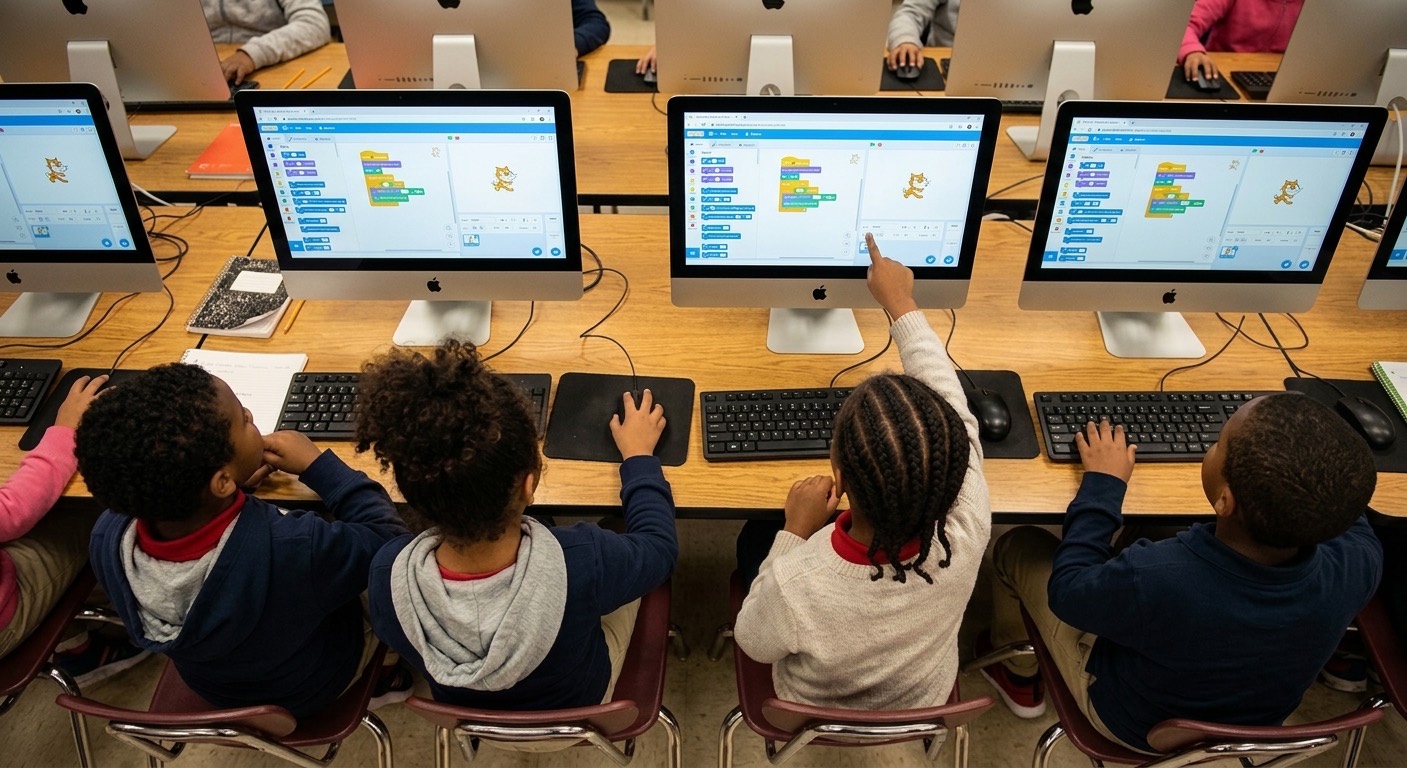
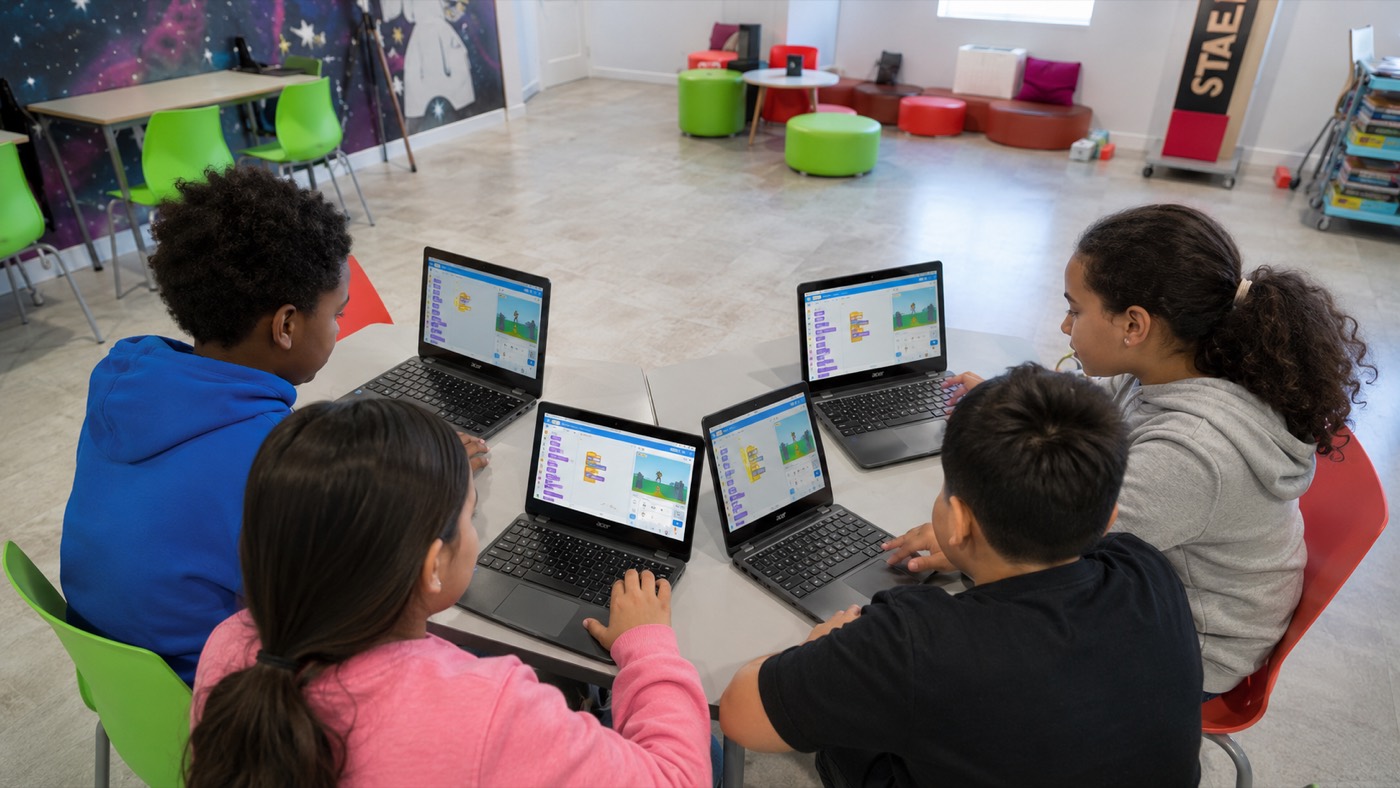
At Minds At Play, technology is something children learn to create with — not only consume. Game Design Studio joins the afterschool enrichment experience after summer, as the new school year begins.
Discover Minds At Play Afterschool